Windows
OpenMusic on your PC.
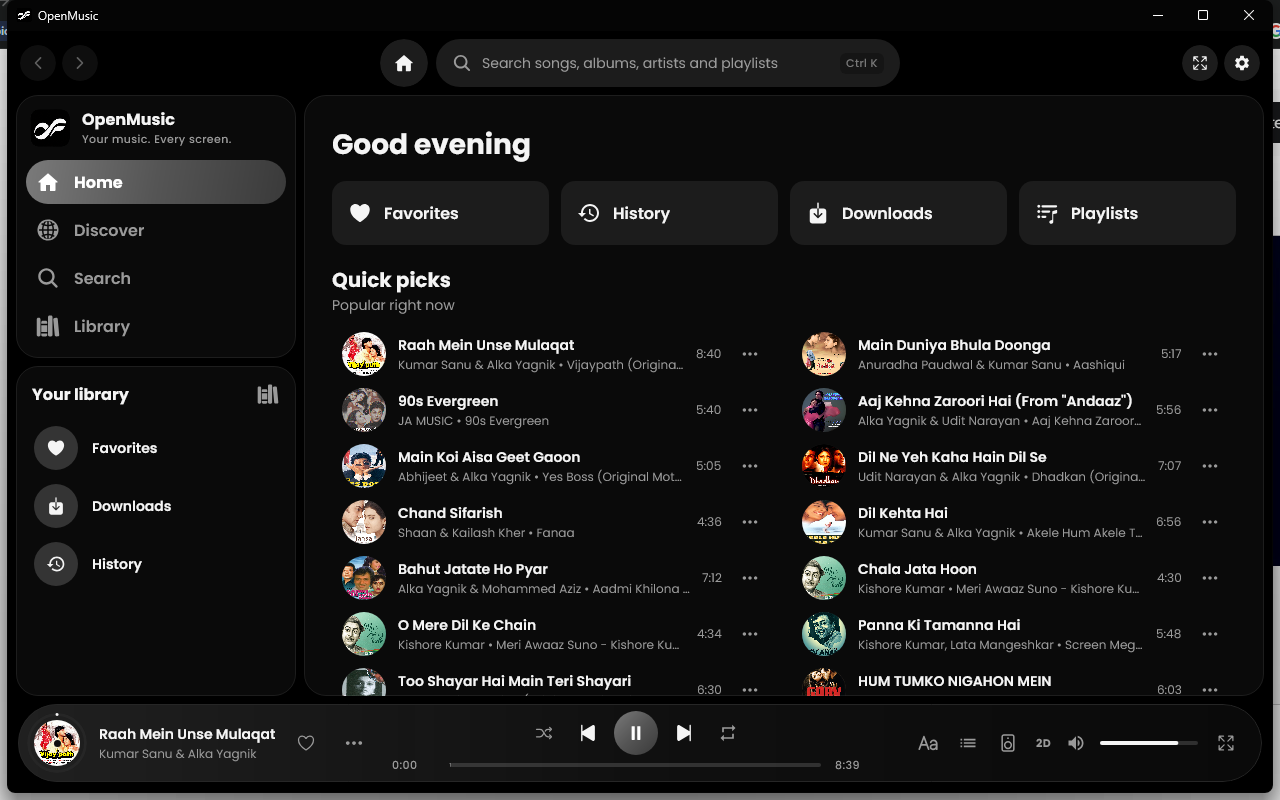
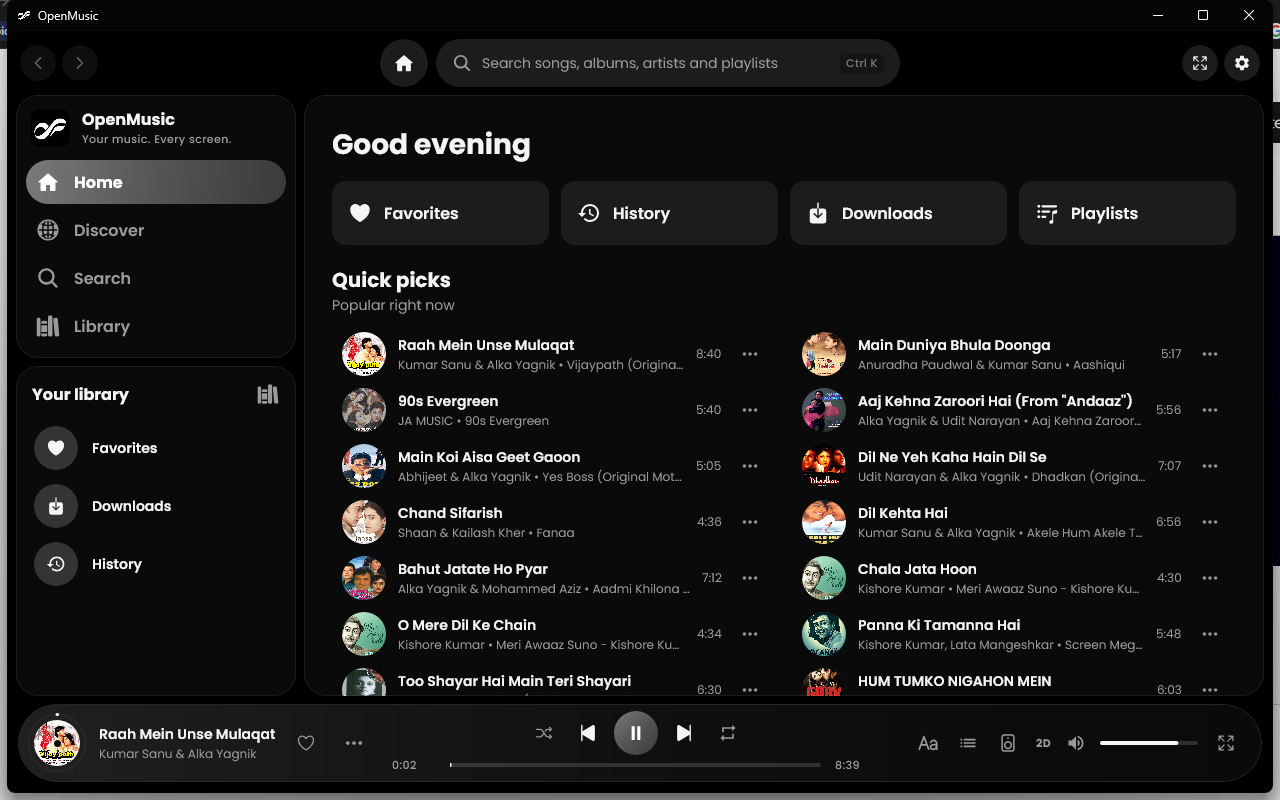
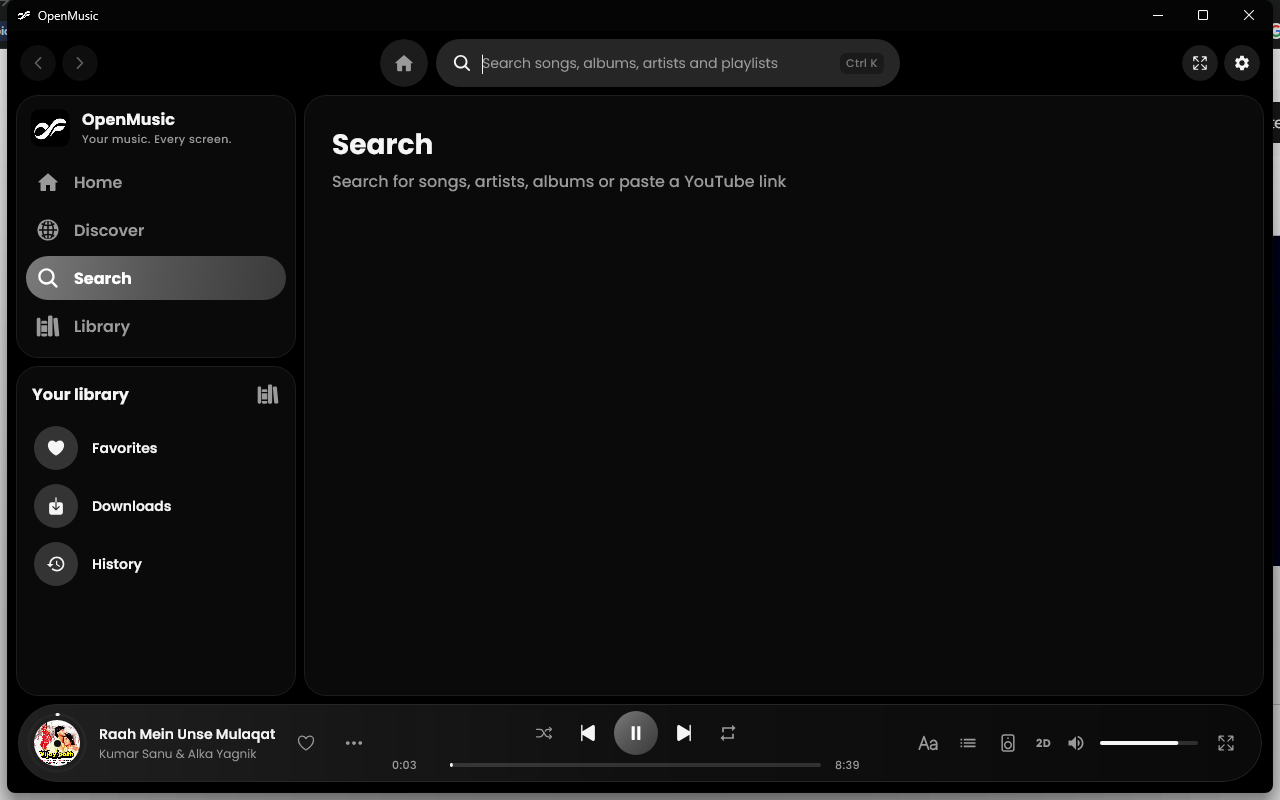
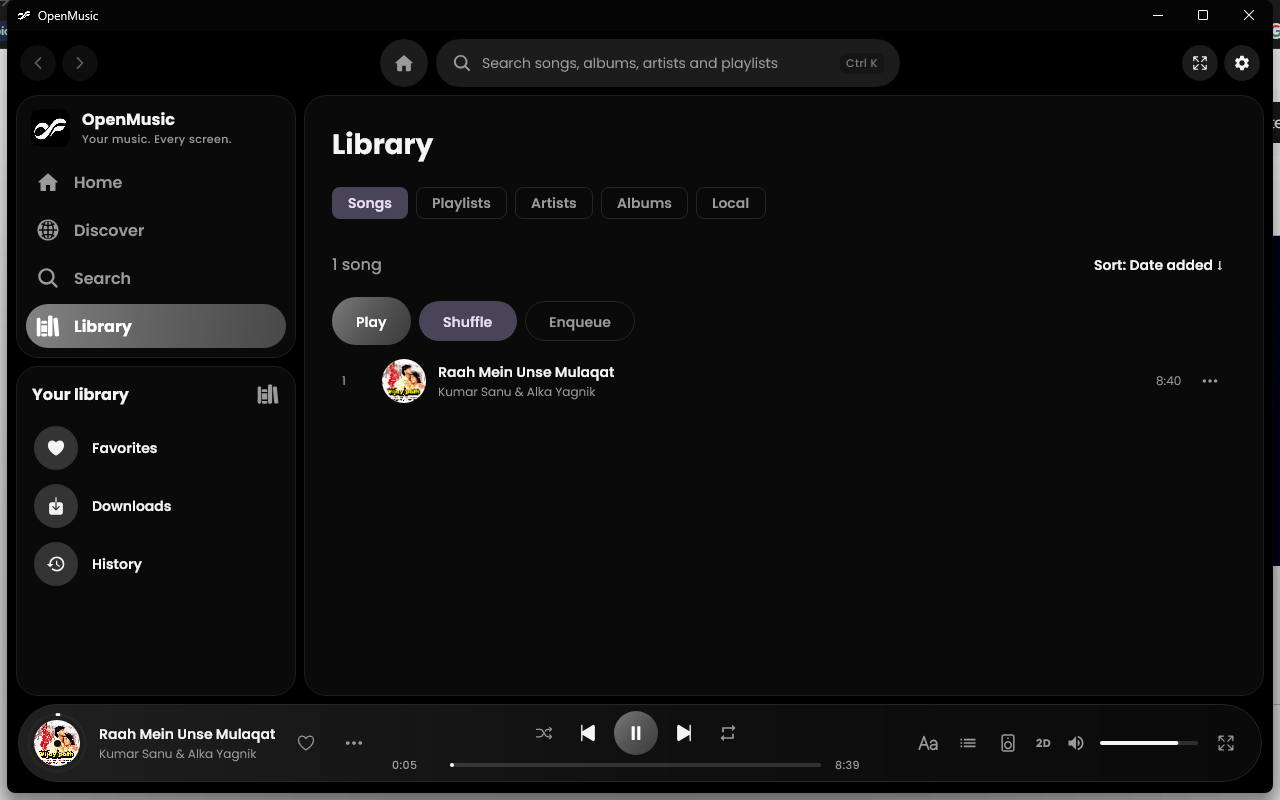
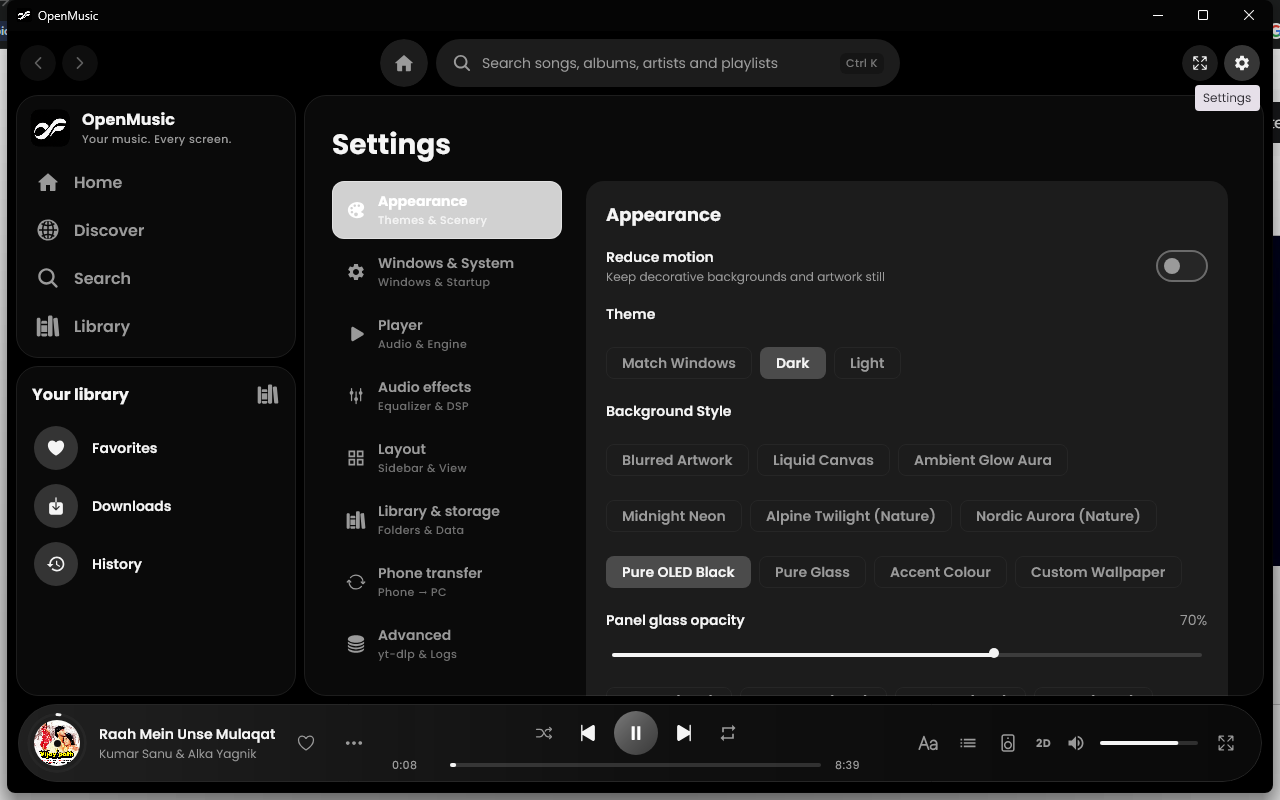
The same player as on Android, made for the keyboard, the mouse and a bigger screen. Windows 10 and 11, 64-bit.
Install in four steps
- 1
Download the installer
Get OpenMusic-Setup-x.y.z.exe from the latest release.
- 2
If Windows warns you
The installer is not code-signed yet. On Windows protected your PC, choose More info, then Run anyway.
- 3
Install and play
Run the installer, then open OpenMusic from the Start menu.
- 4
Updating later
The app shows a popup when a newer version is out. You can also run a newer installer.